
Web tool
Under 200KB
A simple file compressor for strict upload limits.
The project
Overview.
A browser-based tool for compressing images and single-page PDFs toward a chosen file-size limit.
Users upload a file, set a target size, choose an output format and download the result. Processing happens in the browser, with output size depending on the source file.
01 / The problem
When an upload limit blocks an application
Application portals often require an image or document to stay under a strict size limit. Under 200KB gives users a focused workflow for reducing a file without needing a desktop image editor.
02 / The tool
Upload, choose a limit and download
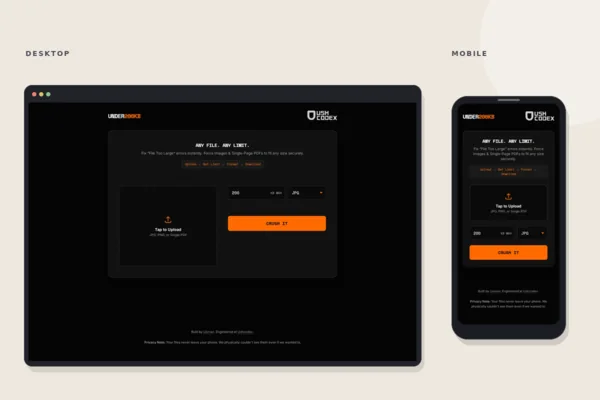
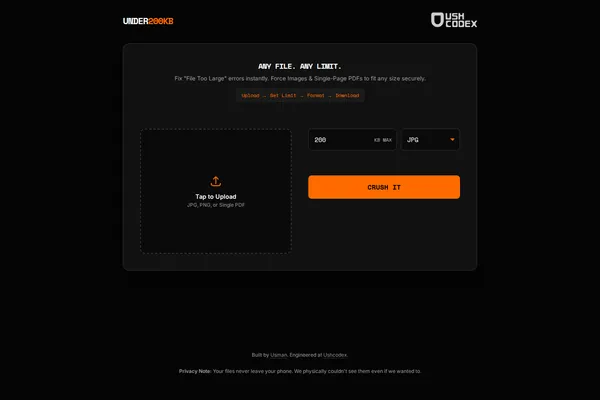
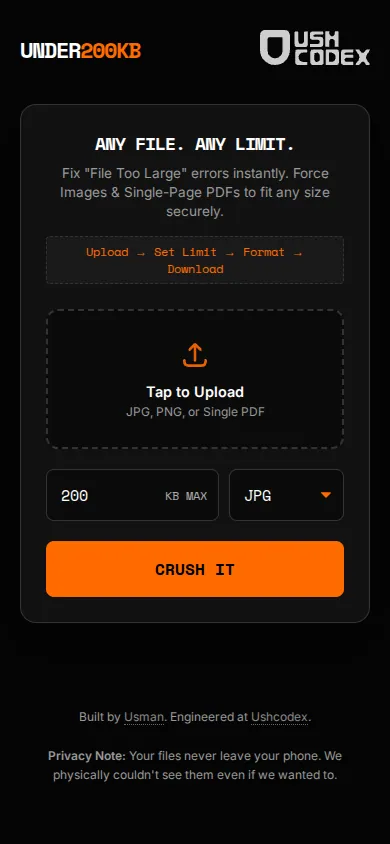
Users select an image or single-page PDF, enter a target size and choose JPG or PDF output. The interface previews the file and displays the original and resulting sizes.
Image processing runs in the browser using Canvas; PDF support uses browser-side libraries. The file is not uploaded to a processing server. Actual output size depends on the source and the minimum image quality reached.
03 / The result
A small tool for a specific task
The result is a responsive file-compression utility that works on a phone or computer, with an installable web-app option for repeat use.
The interface
Desktop and mobile.
Result
Users can compress files toward an upload limit without sending them to a processing server.
Have a project in mind?